Introducing Operator Permissions in the HelpWire Web Portal
Operator Permissions are now available in the HelpWire Web Portal. With this update, workspace Owners can decide which client folders each operator can access, so operators work only with their assigned clients and don’t have access to other client folders in the same workspace.
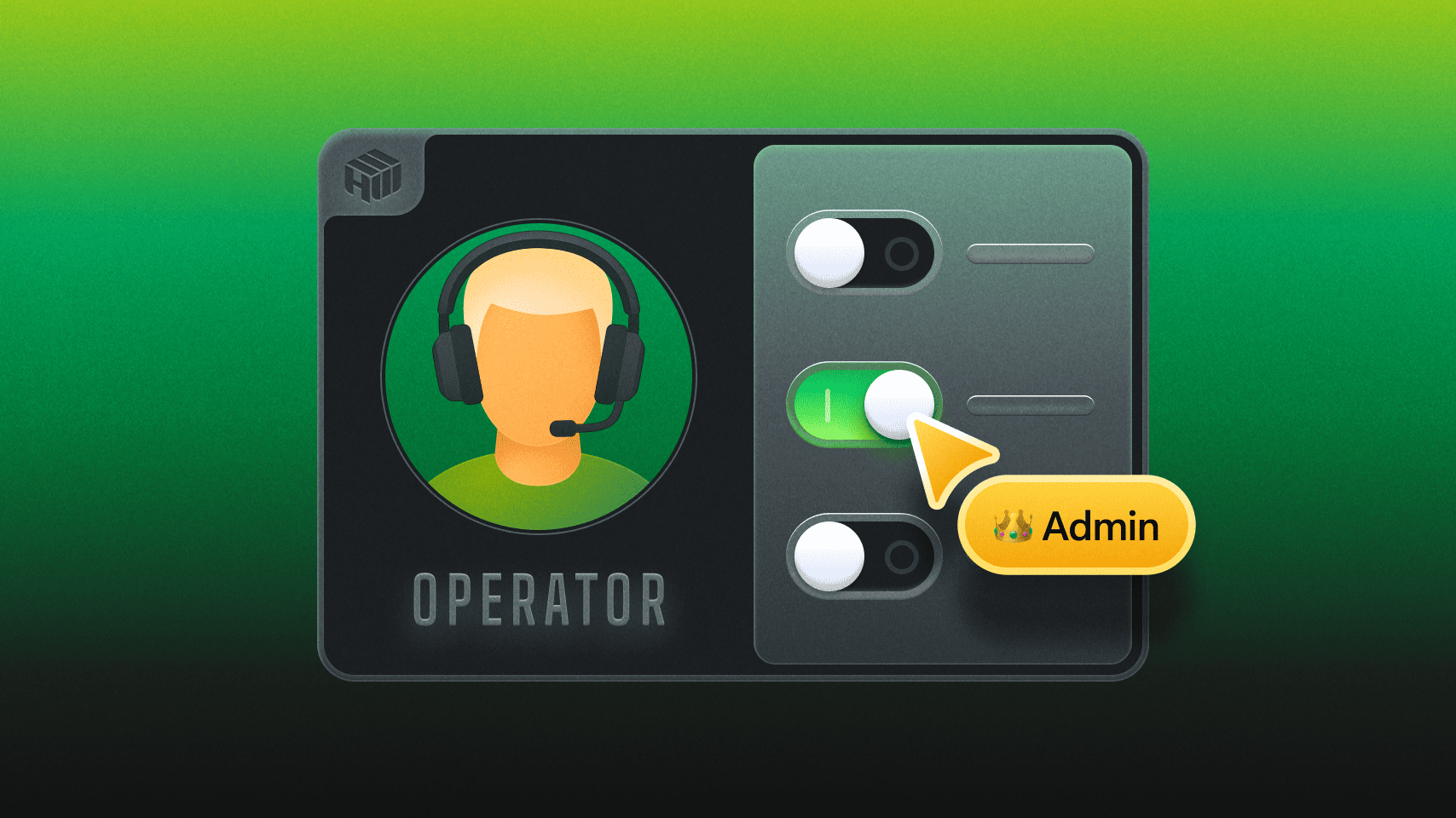
To set permissions, follow these steps in the HelpWire Web Portal:
- Go to the Settings menu (gear icon) on the left sidebar.
- Click on the "Operators" section under "Company Settings."
- Choose the team member you want to assign access to.
- Specify the Client Groups they can access.
- Ensure the Operator only interacts with clients in their assigned groups.
Why it matters
As your team grows, the risk of accidental access, disorganized workflows, and client mix-ups increases. The Operator Permissions feature helps you:
- Define clear roles (e.g., Sales, IT, contractors).
- Boost security and privacy.
- Reduce distractions for Operators by limiting their view to assigned clients.
- Safeguard private devices from unauthorized access.
- Scale your HelpWire setup more smoothly.
This feature was highly requested by teams managing multiple client groups within a single system, and we’re happy to roll it out.
Stay connected
Operator Permissions, along with Two-Factor Authentication support, are part of a larger effort to improve access control, security, and team management. We’ll continue enhancing these features based on your input. Follow us on social media and share your suggestions on our Reddit page.