Serial Port Monitor Case Study: Decoding a Legacy Home Automation Protocol
Today we’ll share how our client, a homeowner and electrical engineer, used Serial Port Monitor to bring his 30-year-old home automation system into a modern SmartThings setup.
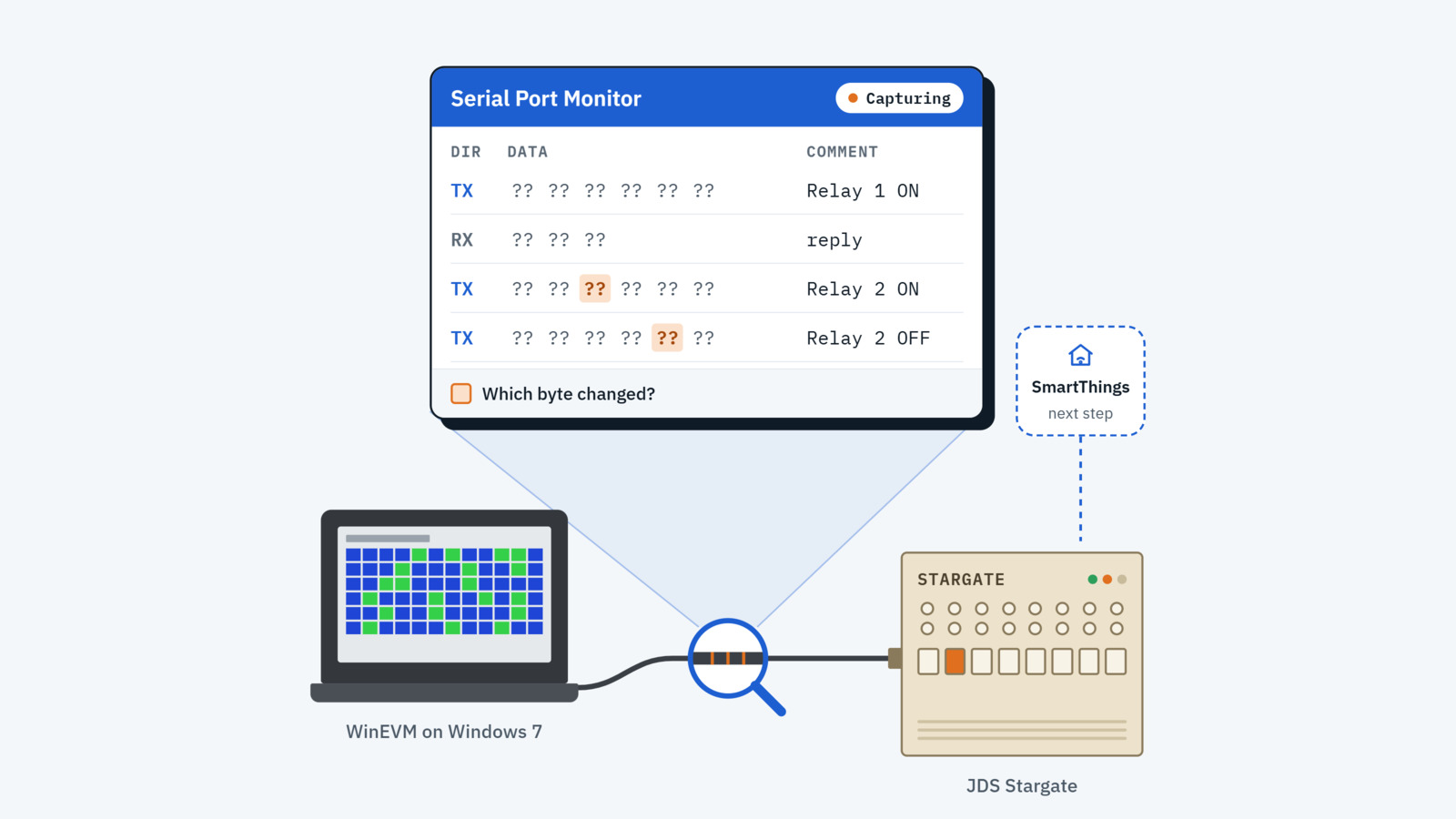
A smart home built before wireless
Three decades ago, when he built his house, wireless technology was not yet an option. As a result, he ran Cat 5 cables, speaker wires, telephone lines, and coaxial cables to every room. At the heart of the system, he installed a JDS Stargate home automation controller, which managed the lighting, outlets, audio/video, HVAC, irrigation, security, and the house telephone system. Touch keypads were installed throughout the home for easy access.
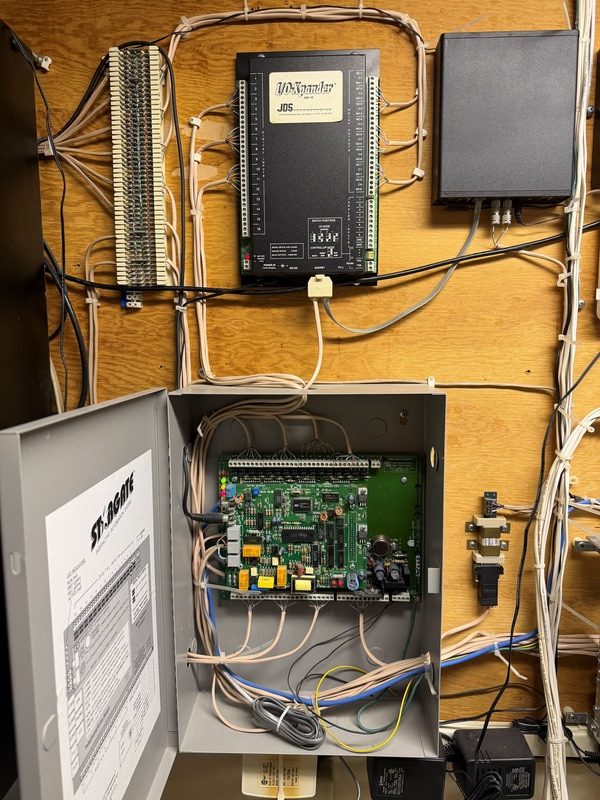
Over the years, newer wireless systems have replaced parts of the Stargate, including a modern irrigation controller and an Eero mesh network. However, much of the original hardware remains valuable. The Stargate's I/O-Xpander features extensive digital and analog input/output capabilities, and it continues to power a multichannel stereo amplifier that sends one of four audio channels to various rooms throughout the house. The client wants to keep this hardware and control it with SmartThings.
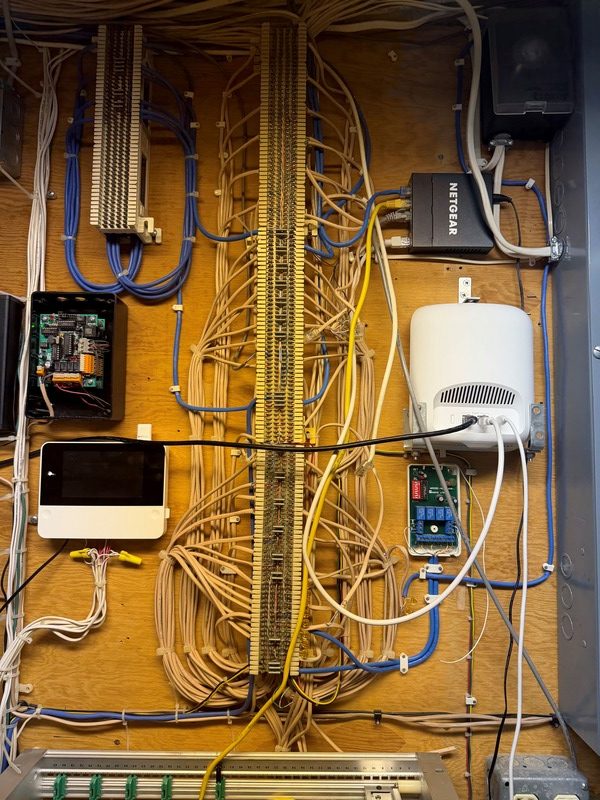
The challenge: an undocumented protocol
The Stargate only accepts commands over a proprietary serial protocol. JDS Technologies went out of business more than 15 years ago, and the protocol specification was never publicly available. The client tracked down a possible copy in a patent office file, but delivery was estimated at over 47 days, with no guarantee it would contain enough detail.
The solution: capturing the protocol with Serial Port Monitor
The original programming software, WinEVM, still ran on an old Windows 7 laptop connected to the Stargate through a USB-to-serial adapter. Its Mega Controller panel can read and set any input, relay or X10 unit on the system.
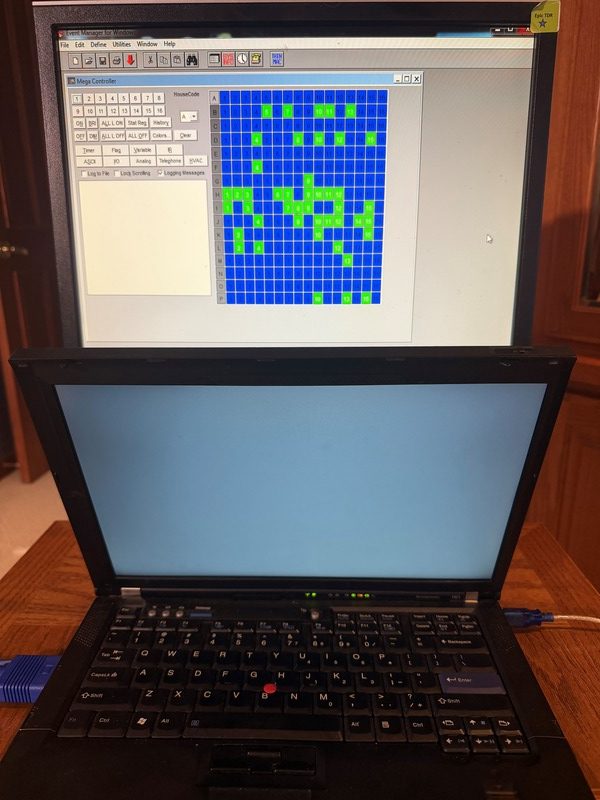
To decode the protocol, the client used Serial Port Monitor to capture the traffic between WinEVM and the Stargate. He triggered one action at a time in the Mega Controller and recorded every command sent and every response returned, until he had a complete map of the protocol.
The result: legacy hardware working with SmartThings
After decoding the protocol, the client created a custom SmartThings Edge driver that communicates with the Stargate through a LAN-to-serial bridge. As a result, the legacy relays, inputs, and audio zones now operate seamlessly alongside modern smart home devices, eliminating the need to wait weeks for potentially insufficient documentation.
We’re pleased that Serial Port Monitor helped revitalize this classic system, and we encourage more engineers to use it to keep their legacy hardware functional.